
January 5, 2023
Edit Date Fields When Syncing is Enabled
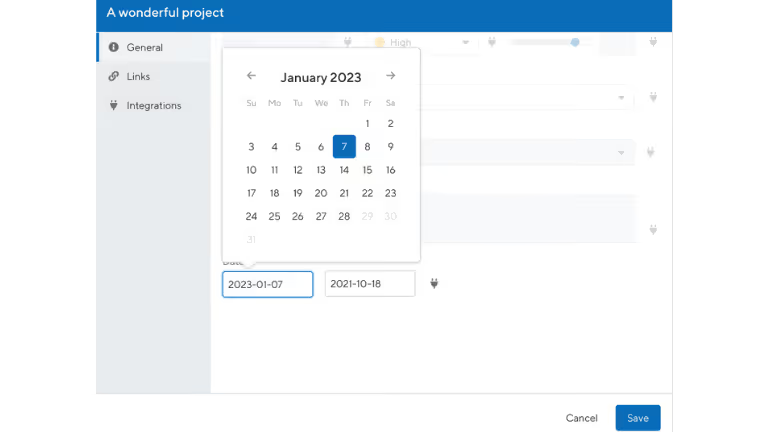
We are releasing an enhancement that allows you to update date ranges on the details screen when syncing to integrations. Previously, you were only able to update these date range fields by dragging bars and containers on the roadmap.How Does It Work?The details screen will appear by clicking on a bar within your roadmap. You will notice the date range fields are now illuminated where you can enter and/or update dates.
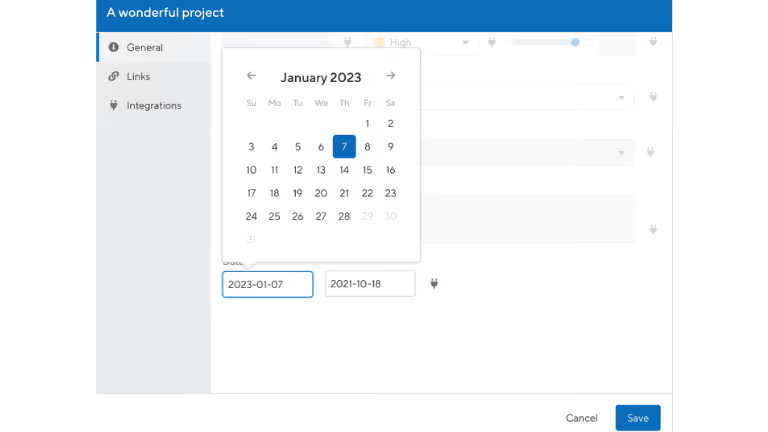
Upon selecting “Save” a notification will appear next to your active integration. Once, you sync the updates you will receive a confirmation message.
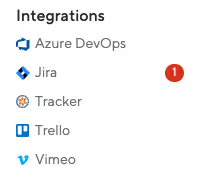
This update applies to the following integrations:
- Jira
- Azure DevOps
- PivotalTracker
Ready to build with confidence?
See how ProductPlan gives product teams the intelligence to pick the right thing — and the proof to stand behind it.

4.3/5 on G2
.svg)

.svg)